Etheriot Games
Prompt
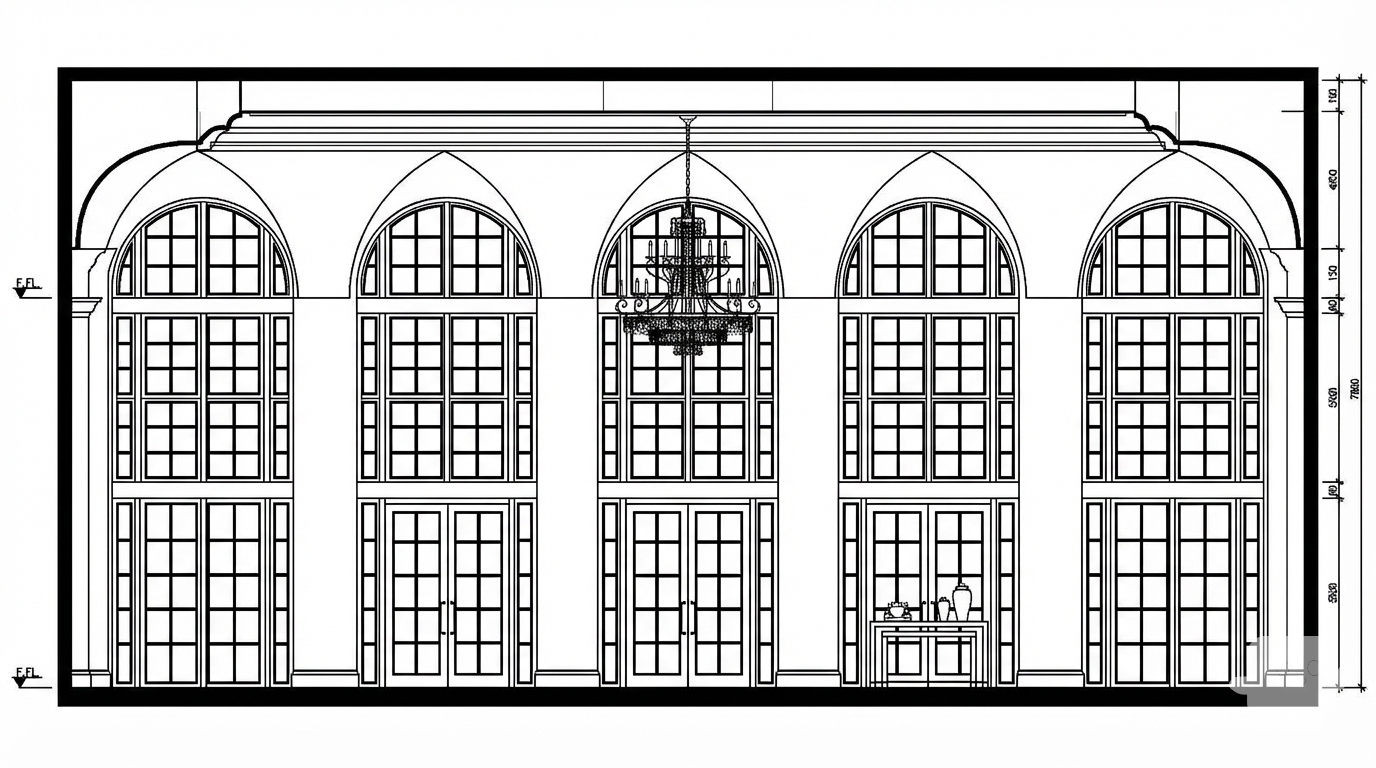
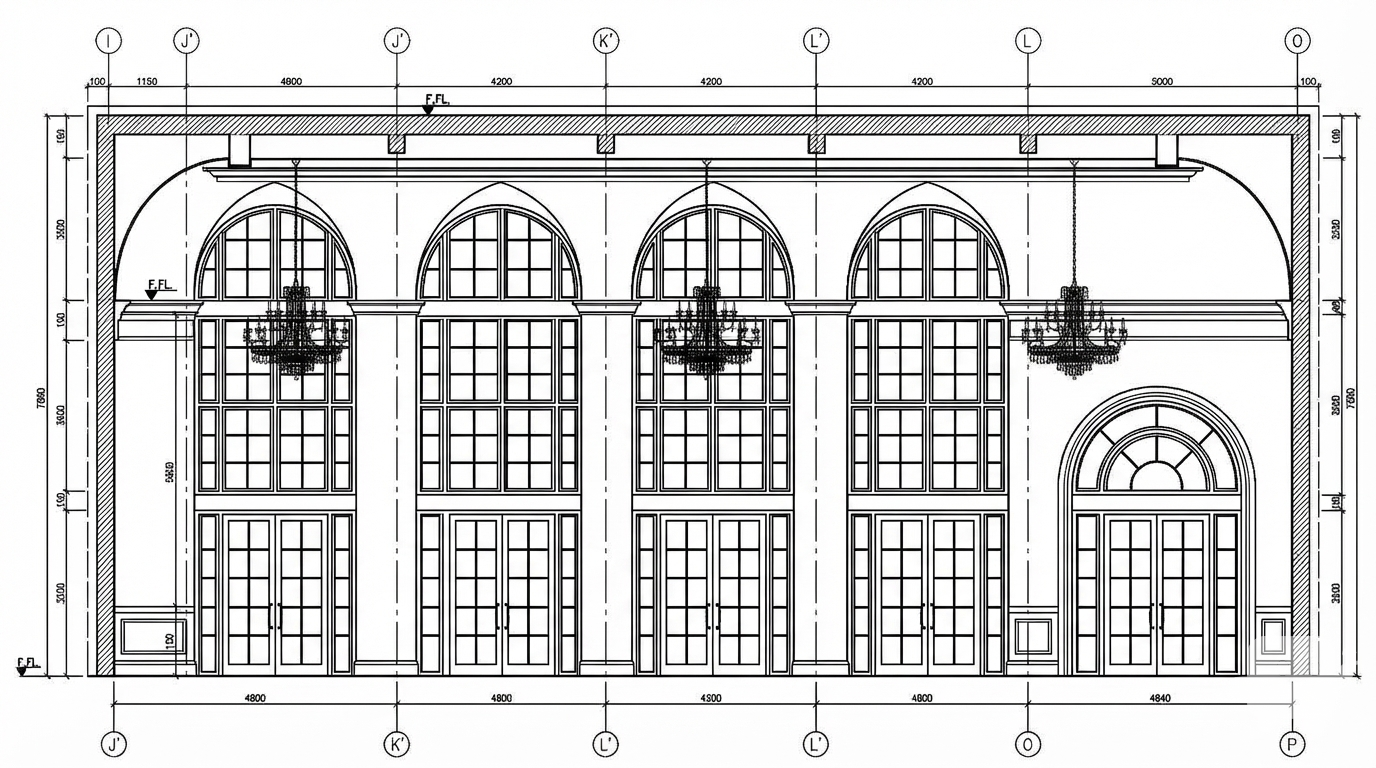
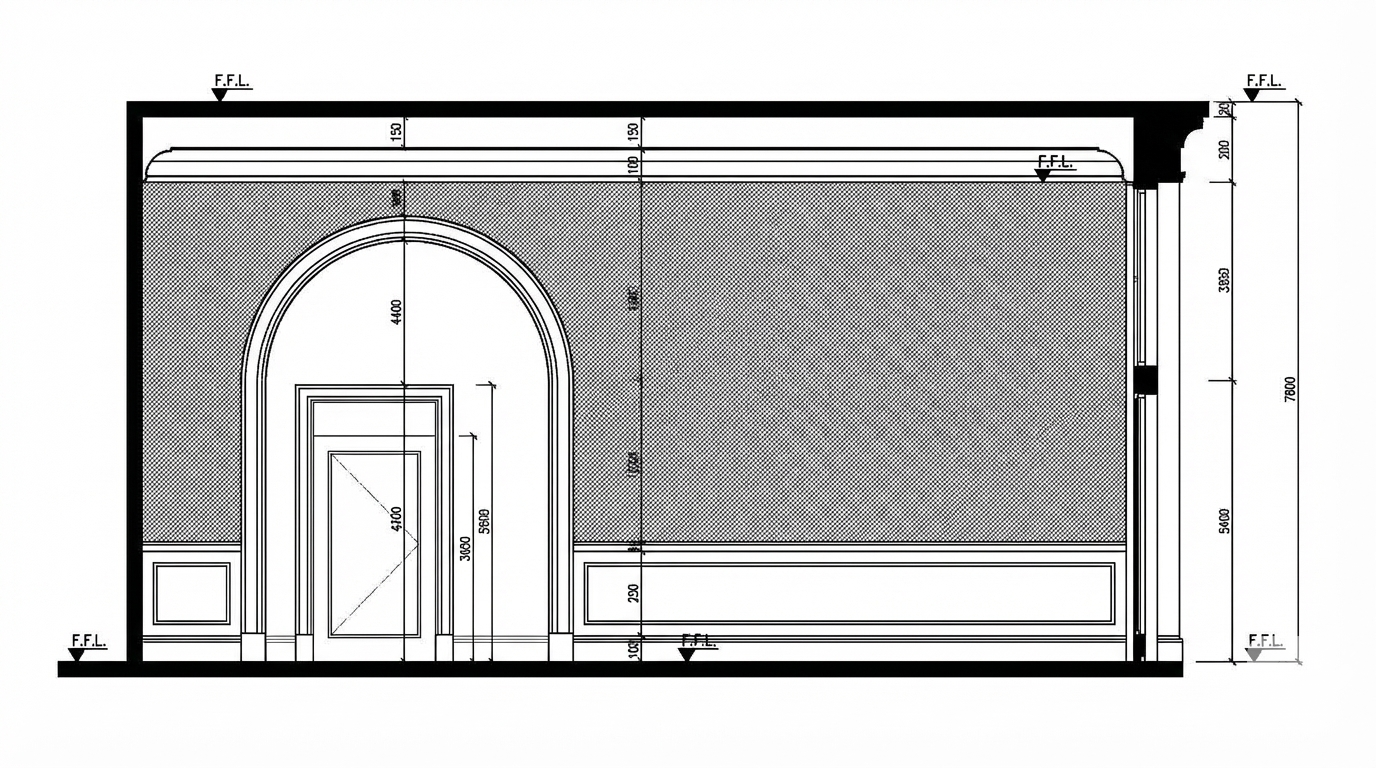
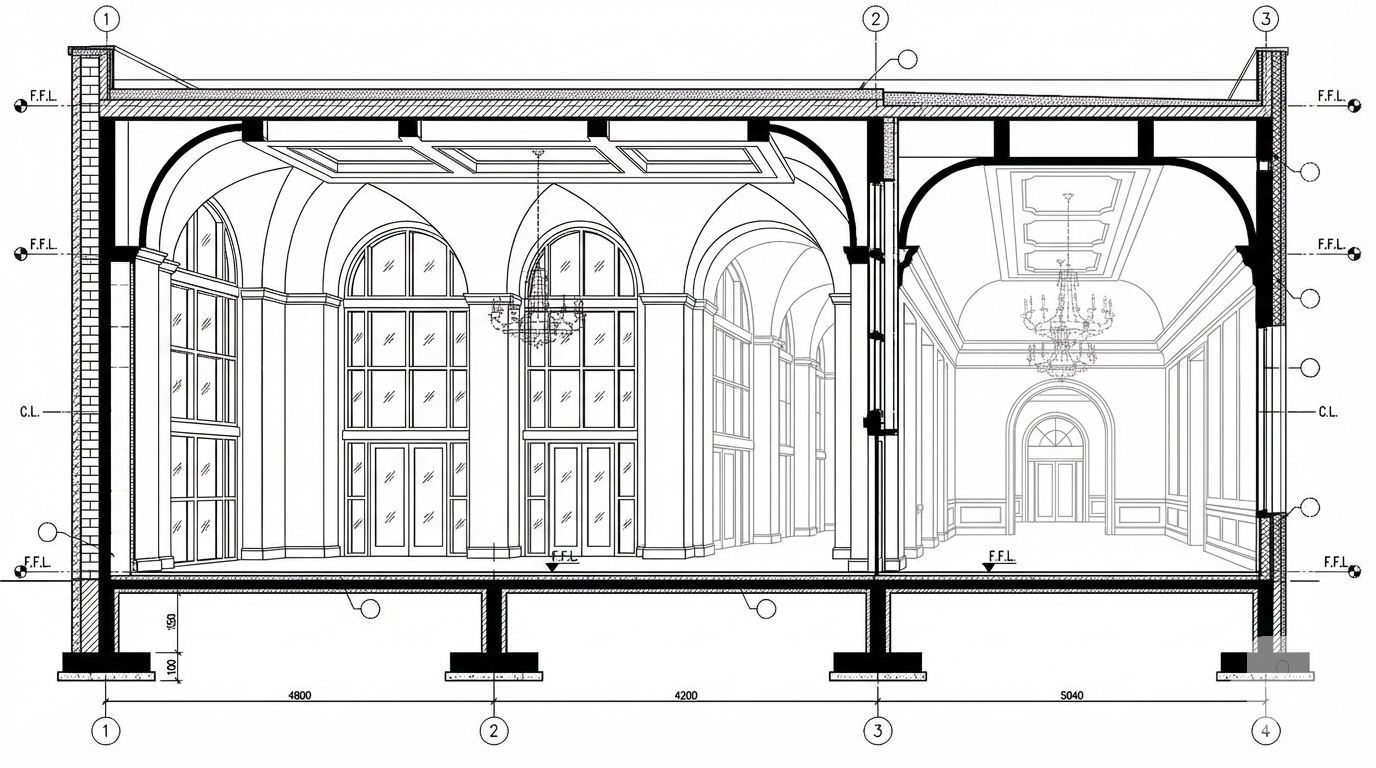
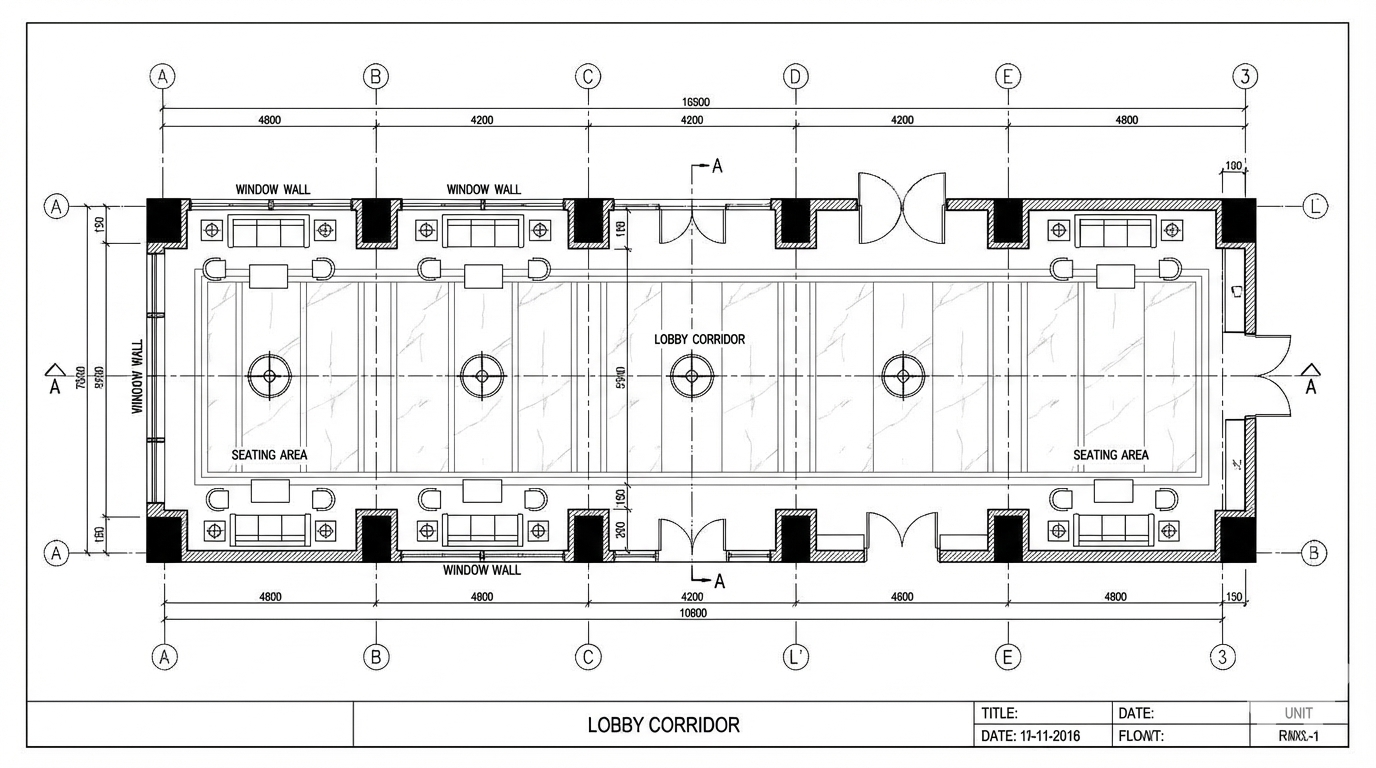
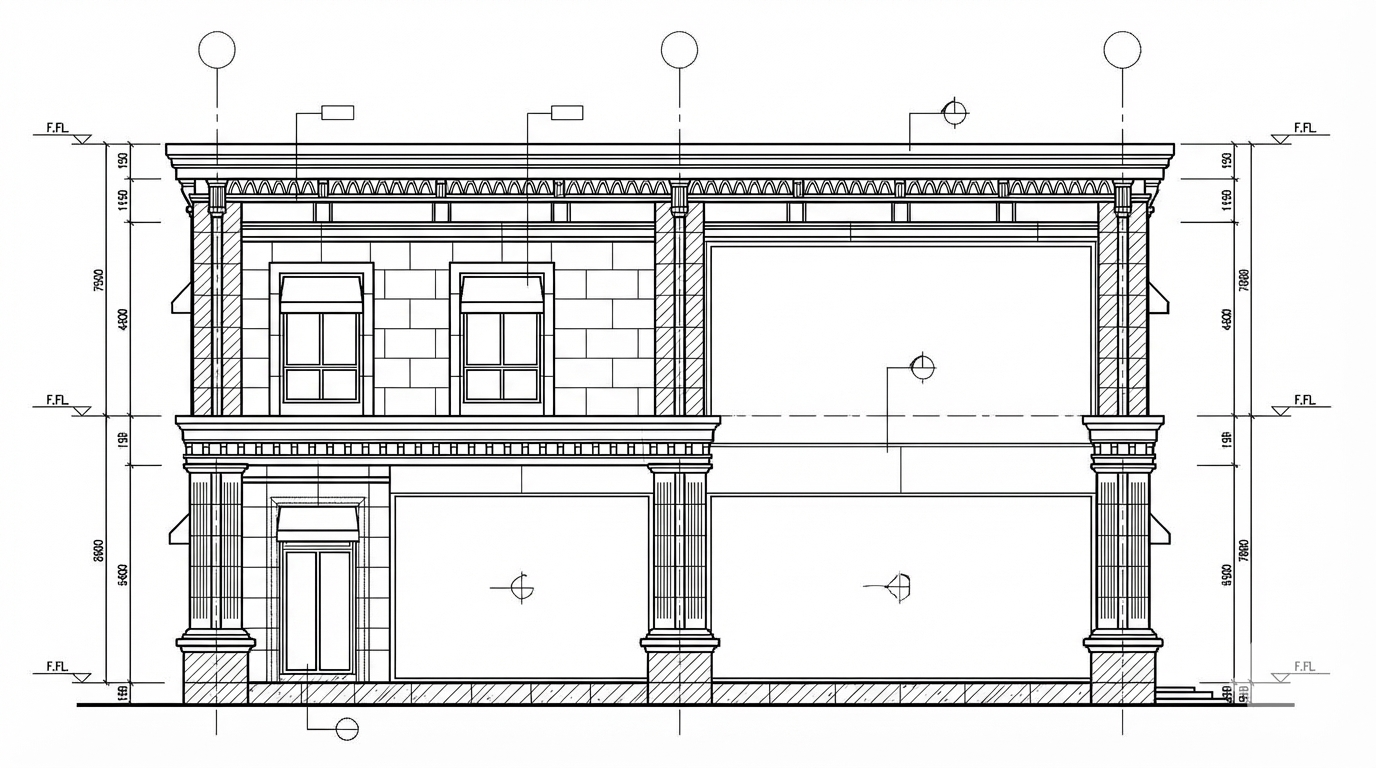
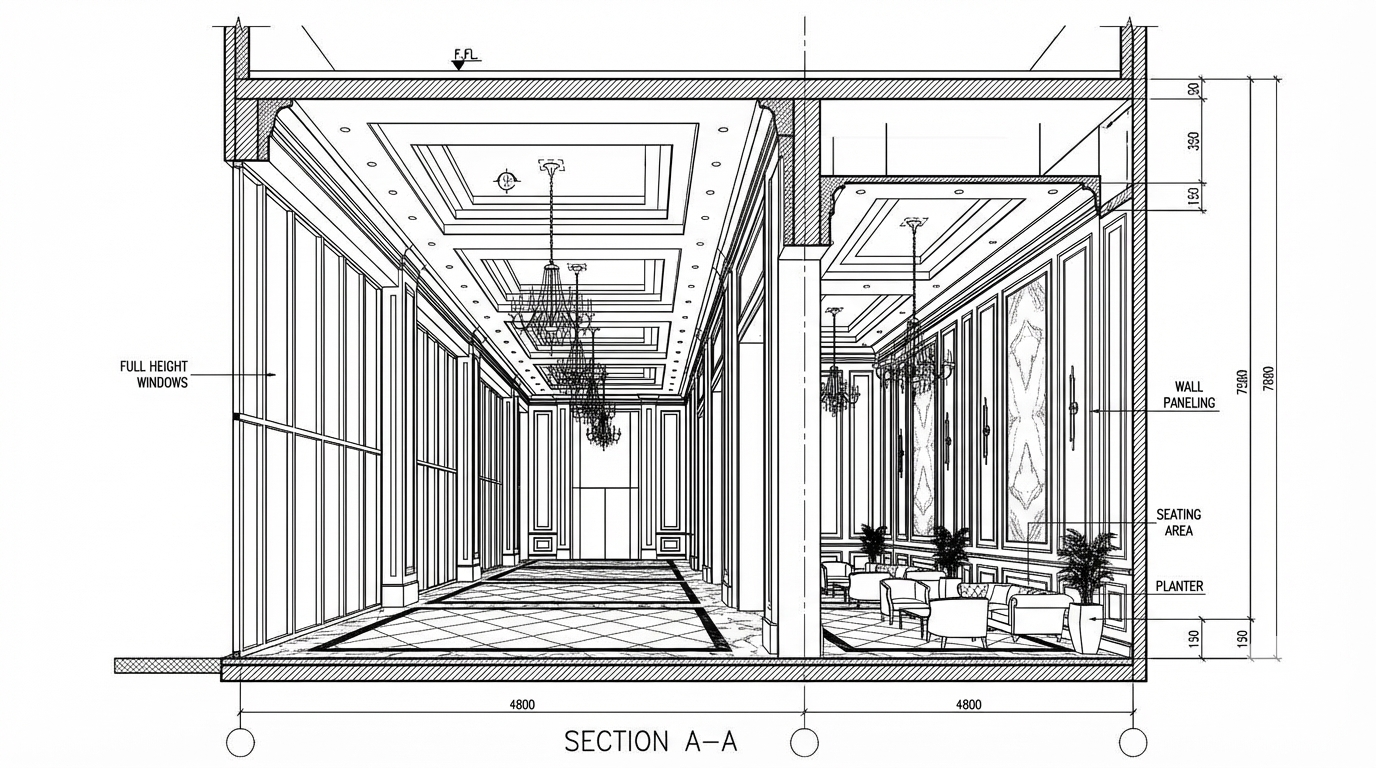
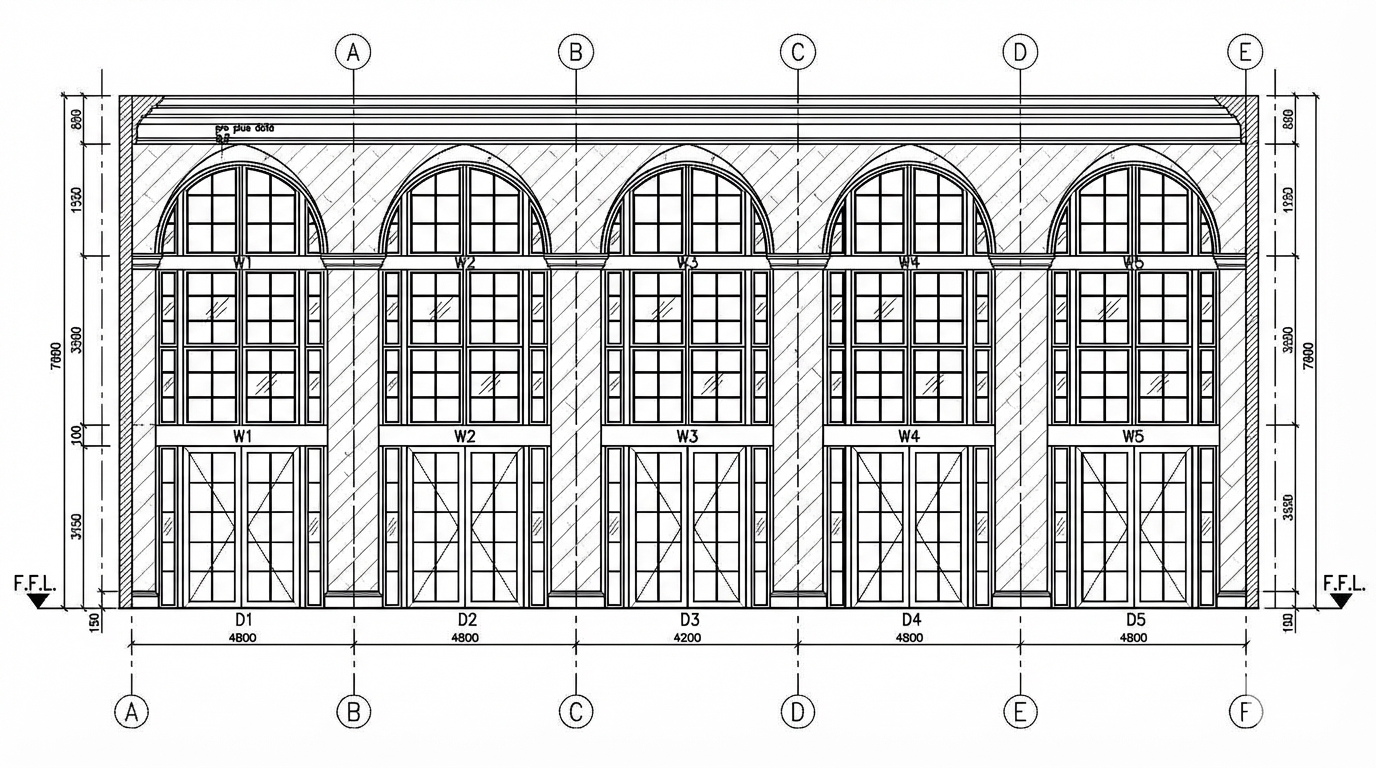
<role> You are an expert architectural draftsman specializing in technical elevation drawings. </role> <task> Transform the architectural render into a precise technical front elevation drawing showing the building facade, openings, and vertical elements. Focus specifically on the front elevation. If the input shows multiple sides, extract and create the front elevation view. The input may show any architectural content: whole buildings (any type or style), building components, interior spaces, exterior views, or detail views. Create an appropriate elevation drawing (front elevation) that accurately represents the architectural content shown. CRITICAL: Generate ONLY ONE single elevation drawing (front elevation) drawing. Do NOT create multiple drawings, compositions, or combined views. Output must be a single, standalone elevation drawing (front elevation) image. </task> <constraints> 1. Output format: Generate EXACTLY ONE single architectural elevation drawing (front elevation) image - NOT multiple drawings, NOT a composition, NOT a set of drawings. Only ONE drawing per request. 2. Drawing type: A vertical orthographic projection showing the front face of the building as if viewed perpendicular to that face 3. Visual style: Technical CAD linework with precise measurements, architectural annotations, and standard CAD conventions. Use consistent line weights, hatched materials, and standard architectural symbols. IMPORTANT: A style reference image has been provided. Match the visual style, line weights, annotation style, hatching patterns, dimensioning style, and overall aesthetic of the style reference image. The style reference shows the desired CAD drawing style - replicate its line quality, annotation approach, and presentation style while maintaining technical accuracy. 4. Text and annotations: DO NOT include any text labels, text annotations, or written text. Use ONLY annotation symbols, dimension lines, leader lines, and graphical symbols. Users will add clean, proper, editable text in post-processing. 5. Scale handling: Adapt to input scale - whole buildings show overall layout and relationships; components show detailed information; interiors show spatial relationships; details show element-specific information 6. Element recognition: Identify and represent visible architectural elements: building facade, windows, doors, openings, vertical elements, roof lines, material changes, architectural details, and vertical dimensions 7. Drawing conventions: Follow standard architectural elevation conventions including line weights for different elements, material representation, and vertical dimensioning 8. Maintain: Architectural drafting standards, proper scale, accurate proportions, and professional presentation quality suitable for construction documentation and design presentations 9. Focus: vertical accuracy, facade details, and proper architectural elevation notation 10. Do not: Add elements not present in the original render, distort proportions, include photorealistic rendering elements, create fabrication-level details when working with whole building renders, or create multiple drawings or compositions 11. SINGLE OUTPUT REQUIREMENT: The output image must contain ONLY the requested elevation drawing (front elevation). Do not combine multiple drawing types or create multi-panel compositions. </constraints> <output_requirements> - Drawing type: elevation drawing (front elevation) - Visual style: Technical CAD linework with precise measurements and standard architectural conventions - Elements: building facade, windows, doors, openings, vertical elements, roof lines, material changes, architectural details, and vertical dimensions - Technical accuracy: Must follow architectural drafting standards and CAD conventions - Professional quality: Suitable for construction documentation, permit applications, shop drawings, and design presentations - Scale appropriateness: Adapt to input scale - whole buildings show overall relationships; components show detailed information; interiors show spatial relationships - Text handling: Use ONLY graphical symbols, dimension lines, leader lines, and annotation symbols. NO text labels or written annotations. - Consistency: If generating multiple views (all elevations, comprehensive set), maintain consistent scale, line weights, and notation across all drawings </output_requirements> <context> Convert the architectural render into a elevation drawing (front elevation) following technical CAD conventions. Work with any architectural content, building type, or style. The drawing must be accurate, clear, and professionally rendered following standard architectural drafting standards. Focus specifically on the front elevation. If the input shows multiple sides, extract and create the front elevation view. Use only graphical symbols - users will add text in post-processing using CAD software. Maintain the tool's general-purpose nature: it must work effectively with any architectural content, from small components to entire buildings, from any architectural style or building type. </context>
More like this